 Keet Support
Format Messages ✍️
Add bullet and numbered lists to your messages, keep lists you paste from other apps, and use bold, italic, strikethrough, and code on desktop.
What formatting can I use?
| Formatting | Desktop | Mobile |
|---|---|---|
| Bullet lists | ✅ | ✅ |
| Numbered lists | ✅ | ✅ |
| Bold, italic, | ✅ | Shown in messages you receive |
Inline code and code blocks | ✅ | Shown in messages you receive |
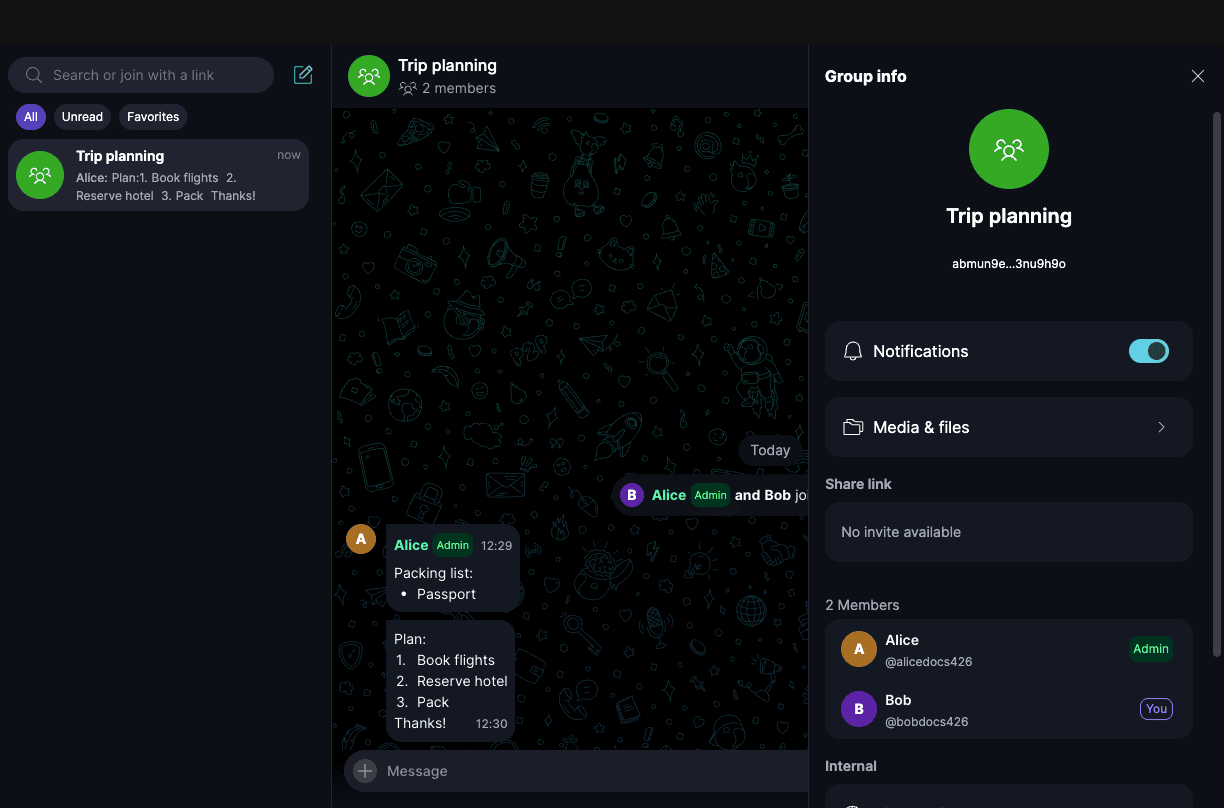
Lists keep their bullets, numbers, line breaks, and order after you send them, and they look the same on desktop and mobile. You can mix regular text and lists in the same message.
Lists need Keet 4.26 or later. Everyone in the chat should update to see lists as you sent them.
How do I add a list?
- Type it: at the start of a line, type
-followed by a space for a bullet list, or1.followed by a space for a numbered list. - Use the formatting bar: click 'Aa' next to the message box, then click the numbered list or bullet list button.
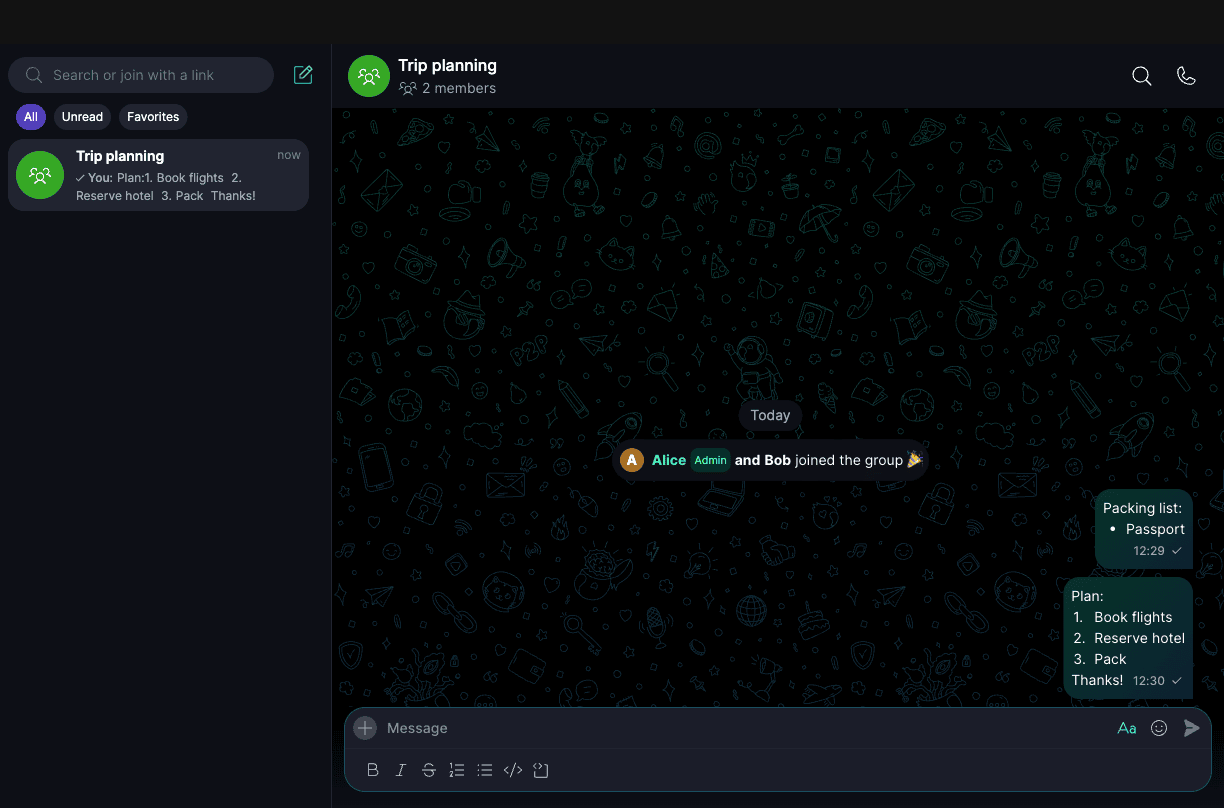
To add the next item, press Shift + Enter. To end the list, press Shift + Enter on an empty item. Pressing Enter sends the message.
At the start of a line, type - followed by a space for a bullet list, or 1. followed by a space for a numbered list. Keet turns it into a list as you type.
Go to a new line to add the next item. Keet adds the bullet or the next number for you.
Here's how a message with lists looks to the person who receives it:
Can I paste a list from another app?
Yes. When you copy a bullet or numbered list from another app, such as a document or a web page, and paste it into Keet, it stays a list, with its bullets or numbers and line breaks.
If the app you copy from only copies plain text, Keet pastes plain text. It stays readable, but it won't be turned into a list.
How do I use bold, italic, and code?
This is available on desktop. Click 'Aa' next to the message box to show the formatting bar, then pick:
- Bold
- Italic
StrikethroughCode, for a short piece of code inside a sentence- Code block, for longer code on its own lines
Select text first to format it, or pick a format and then type. Mobile shows these formats in the messages you receive.
You can't send a message that only has formatting and no text.